
Bahut saare naujawan 18 saal ke ho jaate hain lekin Voter ID banwana bhool jaate hain ya bhool jaate hain ki yeh process bahut simple hai. Aur jo log banwana chahte hain unhe pata nahi hota ki kahan se shuru karein. NVSP portal ke zariye aap ghar baithe hi new voter ID ke liye apply kar sakte hain, apni details update kar sakte hain aur e-EPIC download bhi kar sakte hain. Sabse badi baat yeh hai ki Voter ID registration bilkul free hai – ek bhi rupya nahi lagta. NVSP PortalSarkari Sewa
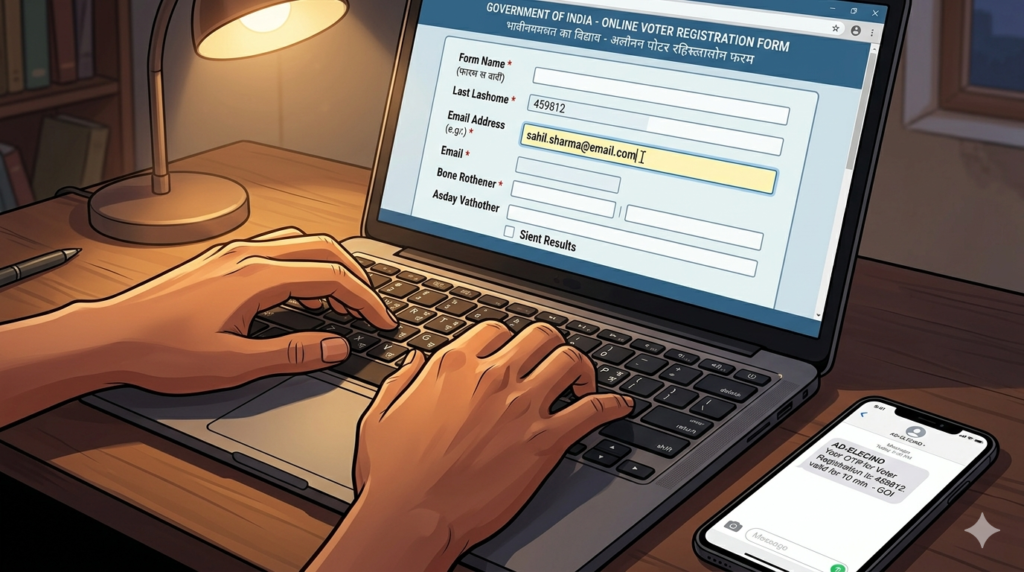
Voter ID Kya Hota Hai
Voter ID jise EPIC yaani Election Photo Identity Card bhi kehte hain, Election Commission of India dwara eligible Indian citizens ko issue kiya jaata hai. Iska main use voting ke time identity verify karna aur electoral process mein impersonation aur fraud rokna hai. pratidintime
Lekin Voter ID sirf voting ke liye nahi hota. Yeh ek widely accepted government identity proof bhi hai jo bank account, SIM card aur kai government forms mein kaam aata hai.
Kaun Apply Kar Sakta Hai
- 18 saal ya usse upar ka koi bhi Indian citizen Voter ID ke liye apply kar sakta hai. Sarkari Sewa
- Aapka naam voter list mein hona zaroori hai
- Agar naya address hai toh pehle voter list mein naam add karwana hoga
- NRI Indian citizens bhi special category mein apply kar sakte hain
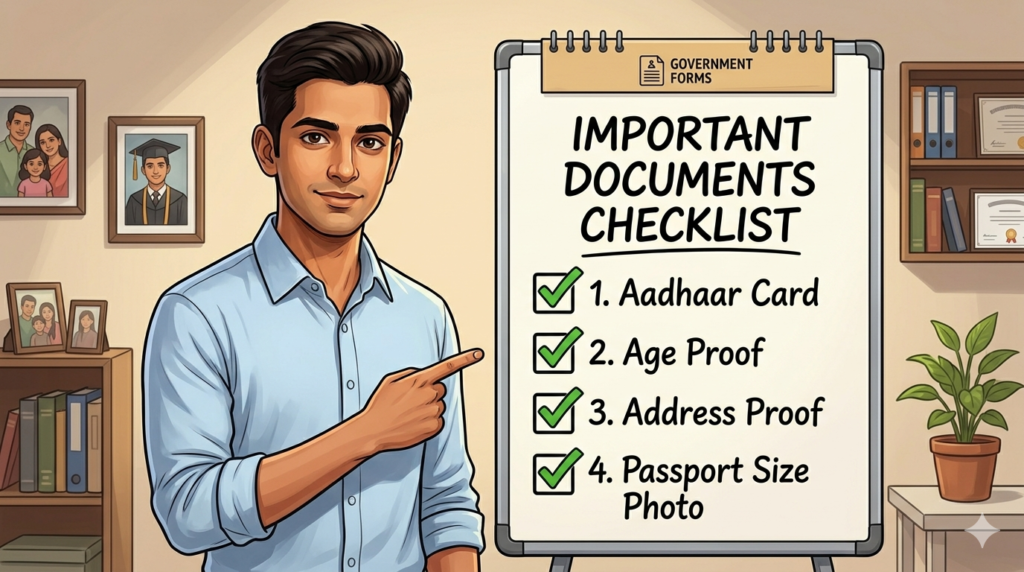
Required Documents
Voter ID apply karne ke liye aapko yeh documents chahiye honge: ClearTax
Age Proof (inme se koi ek):
- Birth certificate, ya CBSE/ICSE/State Board ka Class 10th ya 12th certificate jo date of birth mention karta ho ClearTax
- PAN card
- Passport
Address Proof (inme se koi ek):
- Aadhaar card
- Passport
- Voter ID (agar purana ho aur address change karwana ho)
- Water, electricity ya gas connection bill jo kam se kam 1 saal purana ho ClearTax
Photo:
- Recent passport size photograph
Dhyan rahe – address proof applicant ke naam par hona chahiye ya phir parent, spouse ya adult child ke naam par jo usi address par already enrolled ho. ClearTax
Step-by-Step Online Apply Process
Step 1 – Official Portal Par Jaiye
Voter ID apply karne ka official portal hai: https://voters.eci.gov.in
Yahi portal NVSP yaani National Voters’ Service Portal ke naam se bhi jaana jaata hai.
Step 2 – Account Banayein
Portal par jaiye aur top right corner mein “Sign-Up” option par click karein. Apna mobile number, email ID aur captcha enter karein, phir “Continue” karein. OTP se verification hoga. pratidintime
Step 3 – New Voter Registration Select Karein
Login karne ke baad dashboard mein “Fill Form 6” button par click karein. Yahi form new voter registration ke liye hota hai. techlusive
Step 4 – Form 6 Dhyan Se Bhare
Form mein apni sab details sahi bharo jisme aapki parliamentary constituency bhi include hai. Yeh details aapke current address ke hisaab se automatically detect ho sakti hain ya manually select karni padti hai. techlusive
Jo information fill karni hai:
- Poora naam
- Date of birth
- Gender
- Permanent address
- Parliamentary aur assembly constituency
- Mobile number aur email
Step 5 – Documents Aur Photo Upload Karein
Passport size photo aur required supporting documents upload karein. Documents ka format JPEG ya PDF hona chahiye. File size zyada badi nahi honi chahiye. pratidintime
Step 6 – Preview Karein Aur Submit Karein
Sab details check karne ke baad “Preview and Submit” button par click karein. Application submit hone ke baad ek reference number generate hoga. Use save kar lijiye – isi se status track hoga. techlusive
Step 7 – Verification Aur Dispatch
Application submit hone ke baad local BLO yaani Booth Level Officer aapke documents verify karega. Verification complete hone ke baad Voter ID card aapke registered address par post ke zariye bhej diya jaata hai.
Fees Aur Timeline
| Detail | Information |
|---|---|
| Application fees | Bilkul Free |
| Processing time | 15 se 30 working days |
| e-EPIC download | Turant available after enrollment |
| Physical card | Post se milta hai |
Enrollment confirm hone ke baad aap portal se apna e-EPIC yaani digital Voter ID directly download bhi kar sakte hain. Physical card ka wait kiye bina yeh e-EPIC valid document hai. NVSP Portal


Common Mistakes Jo Avoid Karni Chahiye
- Galat constituency choose karna – Apna sahi assembly aur parliamentary constituency pehle check kar lo. Iske liye portal par “Find Your Constituency” option available hai
- Purana address dena – Hamesha current address use karein jahan aap actually rehte hain
- Documents mein naam mismatch – Form mein naam exactly waise bharo jaisa age proof ya address proof mein likha hai
- Mobile number galat dena – OTP isi number par aata hai, isliye sahi number dalna zaroori hai
- Application submit karke reference number save na karna – Bina reference number ke status track nahi ho sakta
- Ek se zyada baar apply karna – Ek hi constituency mein ek baar apply karna chahiye. Baar baar apply karne se application reject ho sakti hai
Aksar Puche Jaane Wale Sawal (FAQs)
Q1. Voter ID status kaise check karein? NVSP portal par login karein aur “Application Status” section mein apna reference number enter karein. Aapki application ka current status turant dikhai dega. NVSP Portal
Q2. Kya Voter ID banwane ke liye koi fees lagti hai? Nahi. NVSP Voter ID registration bilkul free hai. Koi bhi fees nahi lagti. Sarkari Sewa
Q3. Voter ID mein naam ya address galat print hua ho toh kya karein? Agar voter details mein koi galti ho toh NVSP portal par login karke online correction ki ja sakti hai. Name, age ya address update karna portal par available service hai. Correction ke liye sahi documents upload karne honge. NVSP Portal
Conclusion
Voter ID banana ek simple aur free process hai jo sirf kuch steps mein complete ho jaata hai. Form 6 sahi se bharo, documents dhyan se upload karo aur reference number save kar lo. Enrollment hone ke baad e-EPIC download karo aur physical card ka intezaar karo. Aapka vote aapki awaaz hai – voter ID banwana pehla step hai. Koi bhi sawal ho toh neeche comment karein.
Related Guides:
- [PAN Card Online Apply Kaise Kare]
- [Passport Online Apply Kaise Kare]
- [Aadhaar Card Mein Address Kaise Change Karein]
#CitizenGuideIndia #OnlineApply #GovernmentDocuments #DigitalIndia #HindiGuide #India2026 #DocumentProcess #VoterID #NVSP #ElectionCard #VoterRegistration